Feedback
Learn how to use the Feedback node in YourGPT Studio to collect user satisfaction ratings and CSAT scores within the chatbot flow.
Feedback
The Feedback node collects user satisfaction ratings at any point in the conversation — typically at the end of a support interaction. It is designed for quick, lightweight CSAT (Customer Satisfaction) surveys without requiring users to fill out a full form.
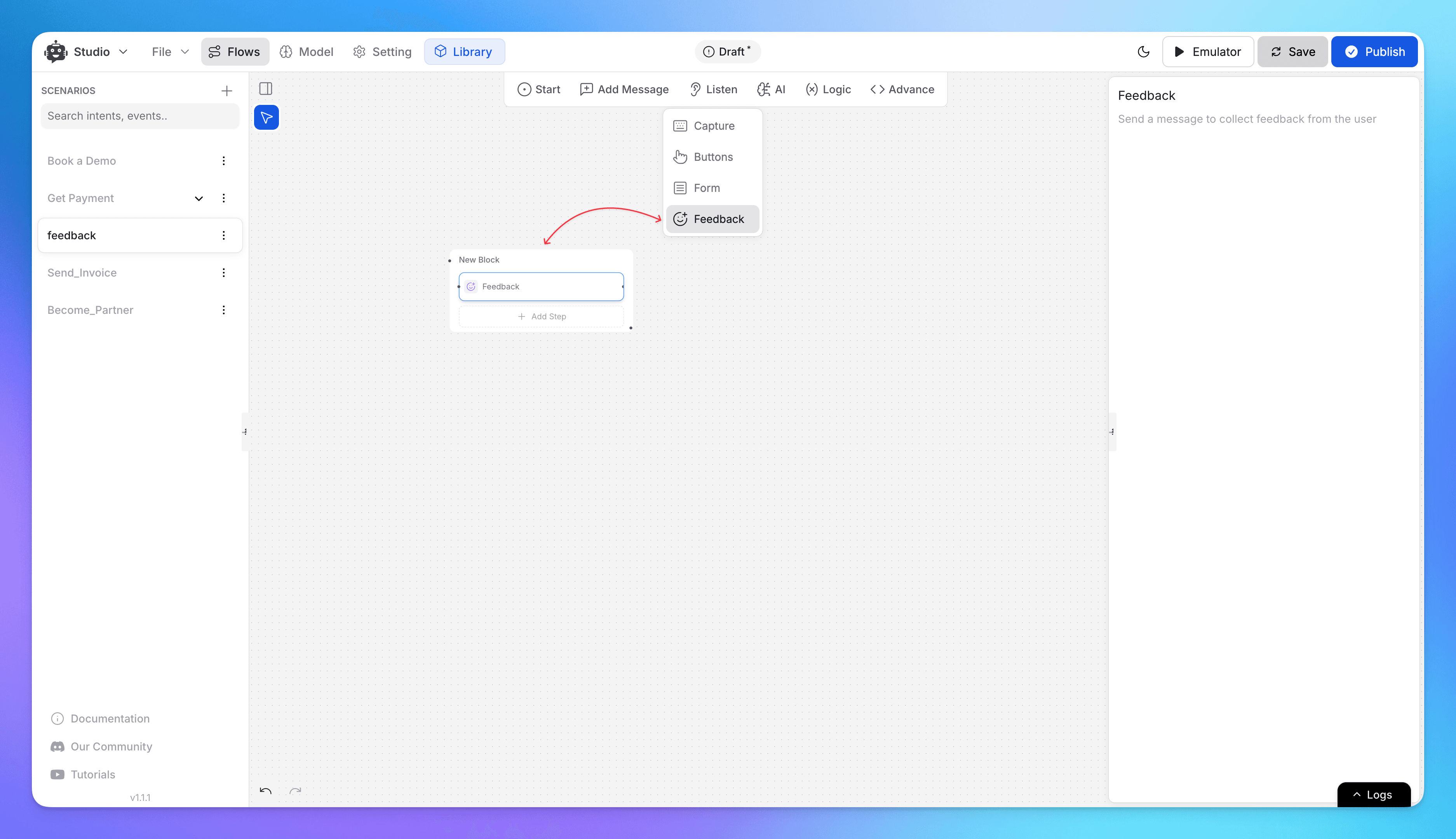
Feedback Input Types
| Type | Description |
|---|---|
| Stars | 1–5 star rating (most common for CSAT) |
| Slider | Numeric slider with configurable min and max values |
| Number | Free numeric input |
| Text | Free-text comment or response |
Sentiment Routing
When collecting numeric or star feedback, you can route users to different flow paths based on their score:
| Path | Example condition |
|---|---|
| Positive | Rating ≥ 4 stars |
| Neutral | Rating = 3 stars |
| Negative | Rating ≤ 2 stars |
This lets you tailor follow-up messages — for example, thanking happy users and offering extra help to dissatisfied ones.
How to Use
- Drag the Feedback node onto the canvas at the point where you want to collect feedback.
- Choose a feedback type: Stars, Slider, Number, or Text.
- For numeric types, configure the min and max values if applicable.
- Connect the Positive, Neutral, and Negative output paths to the appropriate next nodes.
Use Cases
- Post-resolution satisfaction survey after a support ticket is closed
- Product rating prompt after a completed purchase conversation
- Agent quality rating following a human handoff
- Net Promoter Score (NPS) collection at the end of onboarding
Note
For more detailed survey flows with multiple questions or field types, use the Form node with the Feedback Form type.