Appearance
Pre-Built Themes
Learn how to change the theme of your chat widget.
💡 Customizing Your Chat Widget Appearance
You can customize how your chatbot widget looks using our pre-made styles or your own CSS.
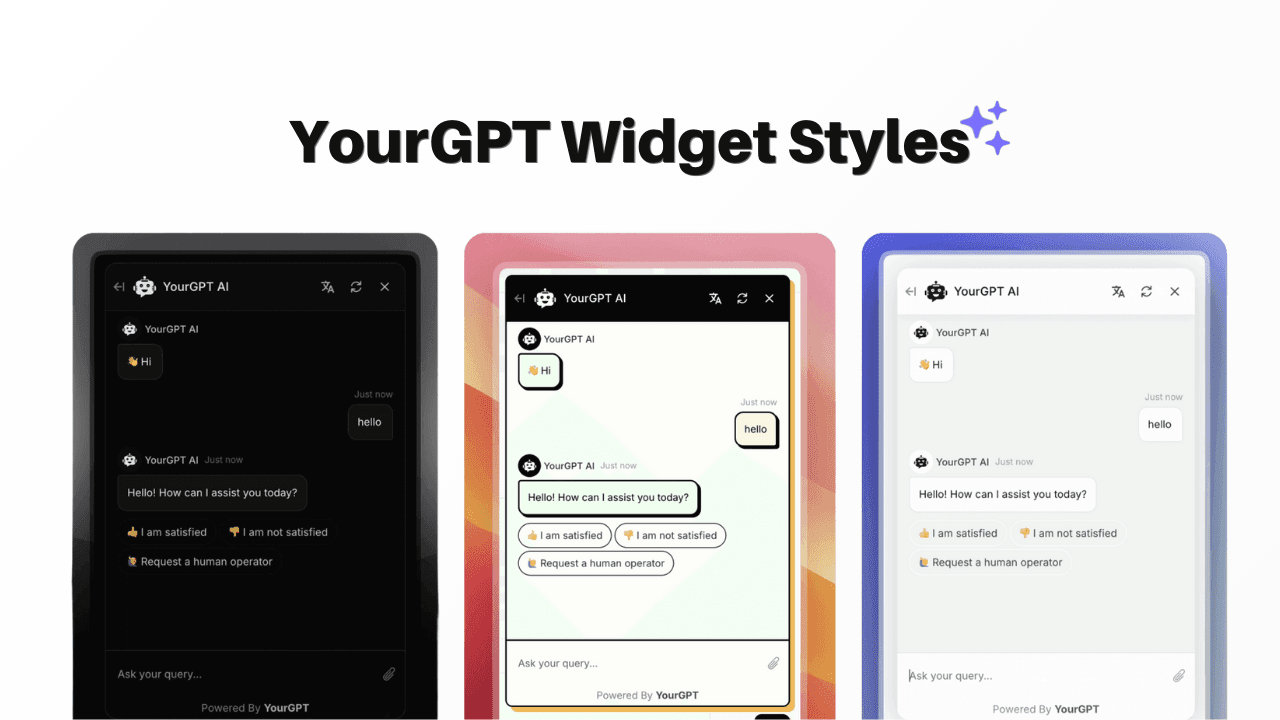
Using Style Templates
Find a Style
Go to our GitHub style gallery.
Browse available templates.
Click on the style you want to use.
Copy the CSS code.
Add the Style
Open your YourGPT Dashboard.
Go to Chatbot → Widget → Branding.
Paste the CSS into the CSS field.
Click Save.
Note
You can modify these styles or create your own. See our styling guide for details.
Need Help?
- Check the styling documentation
- See CSS variables for custom colors and fonts
- View animation examples
- Read our detailed guide on customizing your widget
By following these steps, you can customize your chat widget appearance. For any questions, contact our team via Live support or Mail Us.