FAQs & Text
Train your AI chatbot with FAQs - Add, Import, or Export FAQ files. FAQs help users quickly find solutions and understand key information.
Quick Start
To train chatbot with FAQ manually, follow these steps:
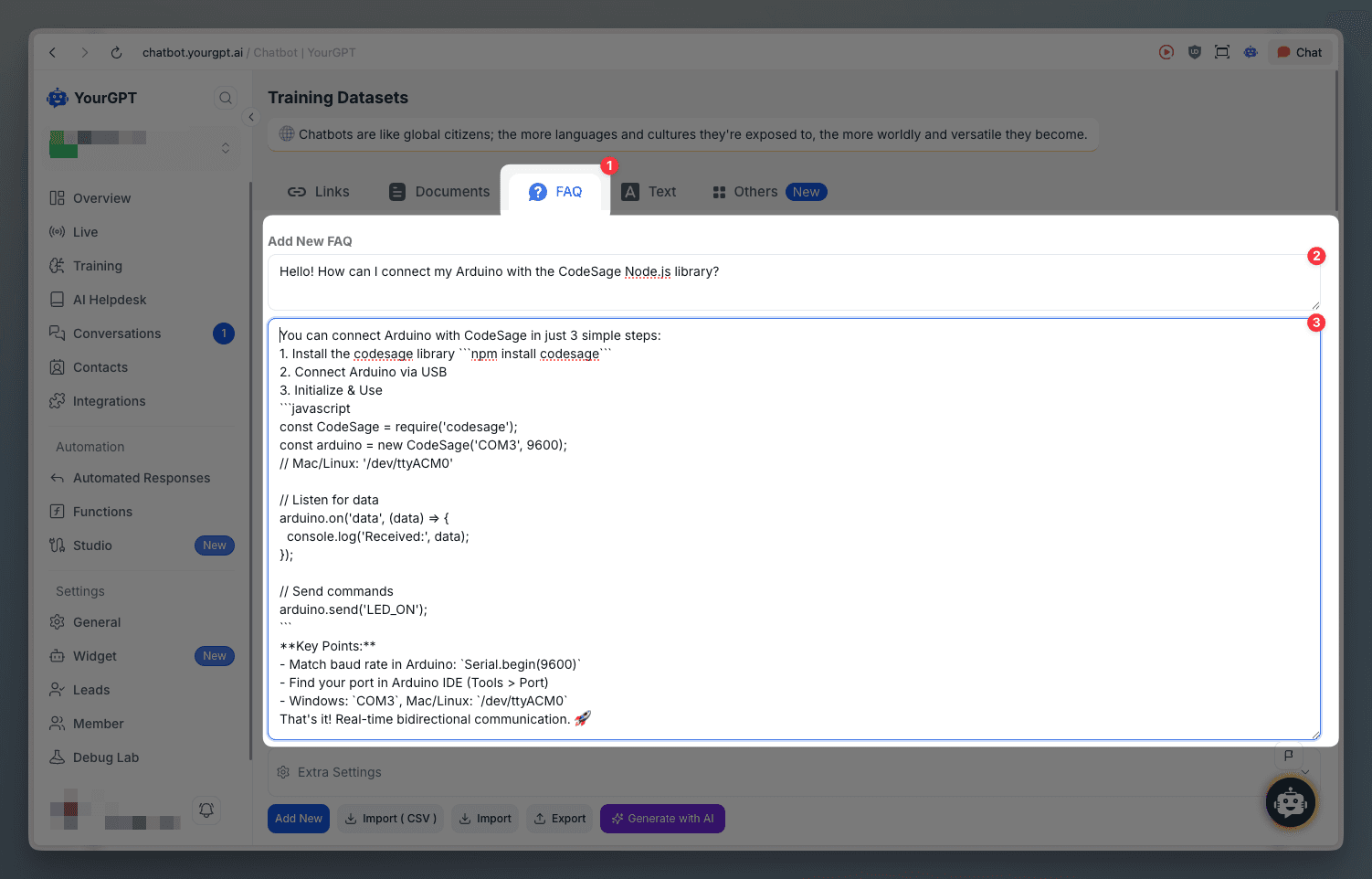
Go to Training, then click on FAQ
Add a Question and Answer to your FAQ or you can generate it using AI
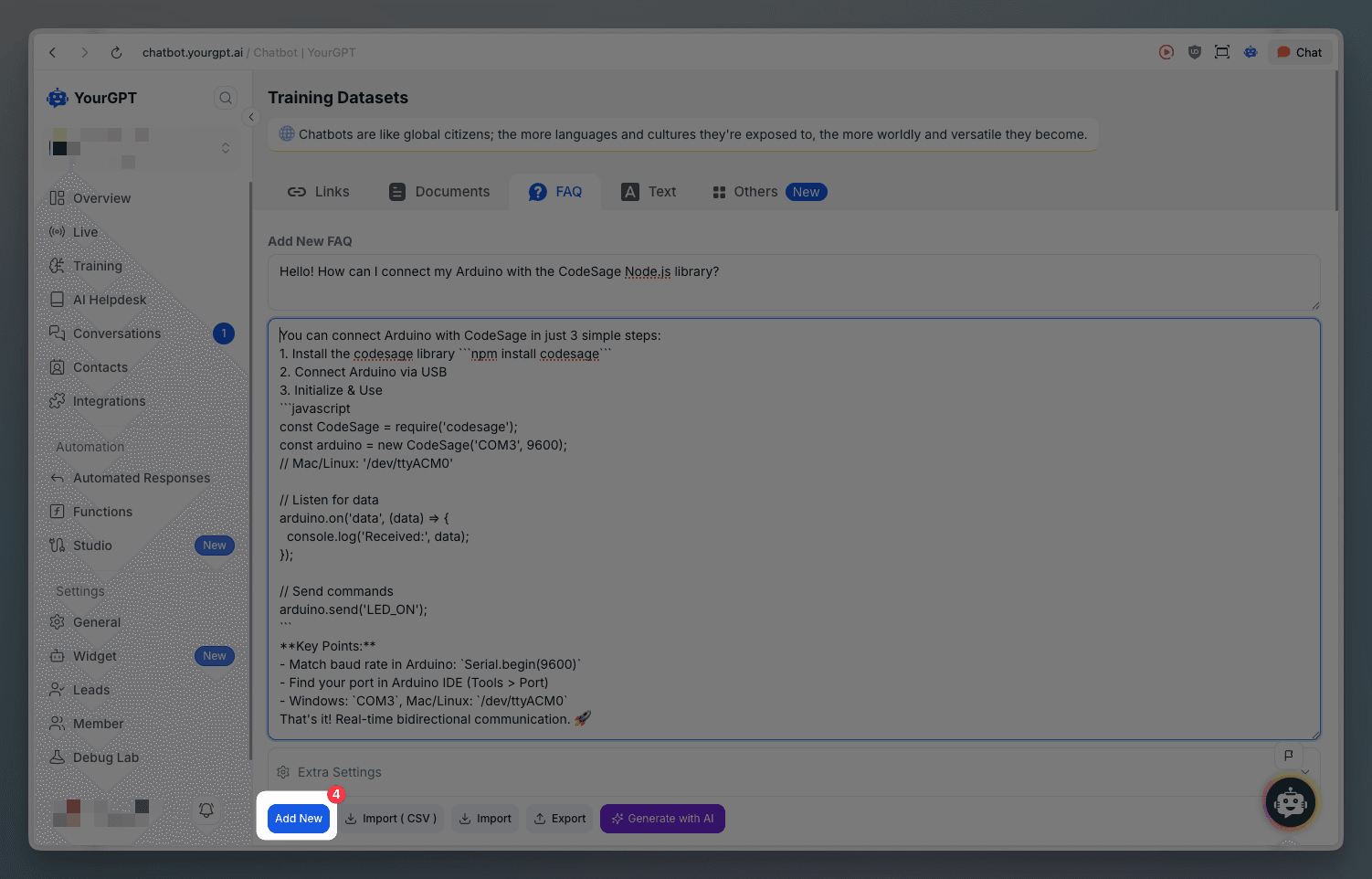
Click on Add New
Bulk Import FAQs
To train chatbot with multiple FAQs, follow these steps:
Go to the FAQ in the training section
Click on Import
Add your JSON file, which consists of all your FAQs
Export FAQs
To export your FAQs, follow these steps:
Go to Training, then click on FAQs
Click on Export button
Training on Text
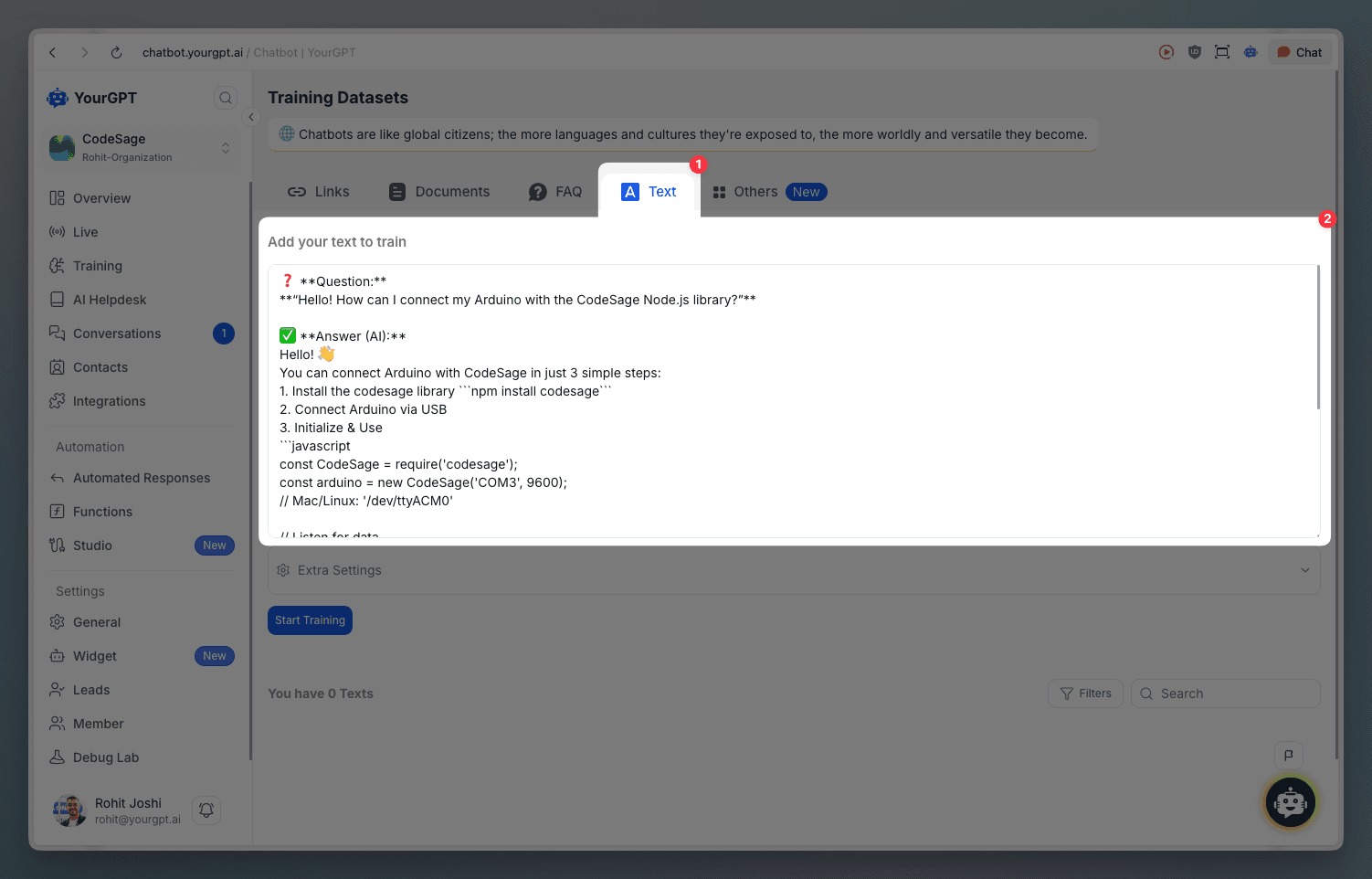
You can train your chatbot with raw text content. This allows you to add any text-based information directly to your training dataset.
Go to Training, then click on Text tab
Enter your text in the text input area (or paste content)
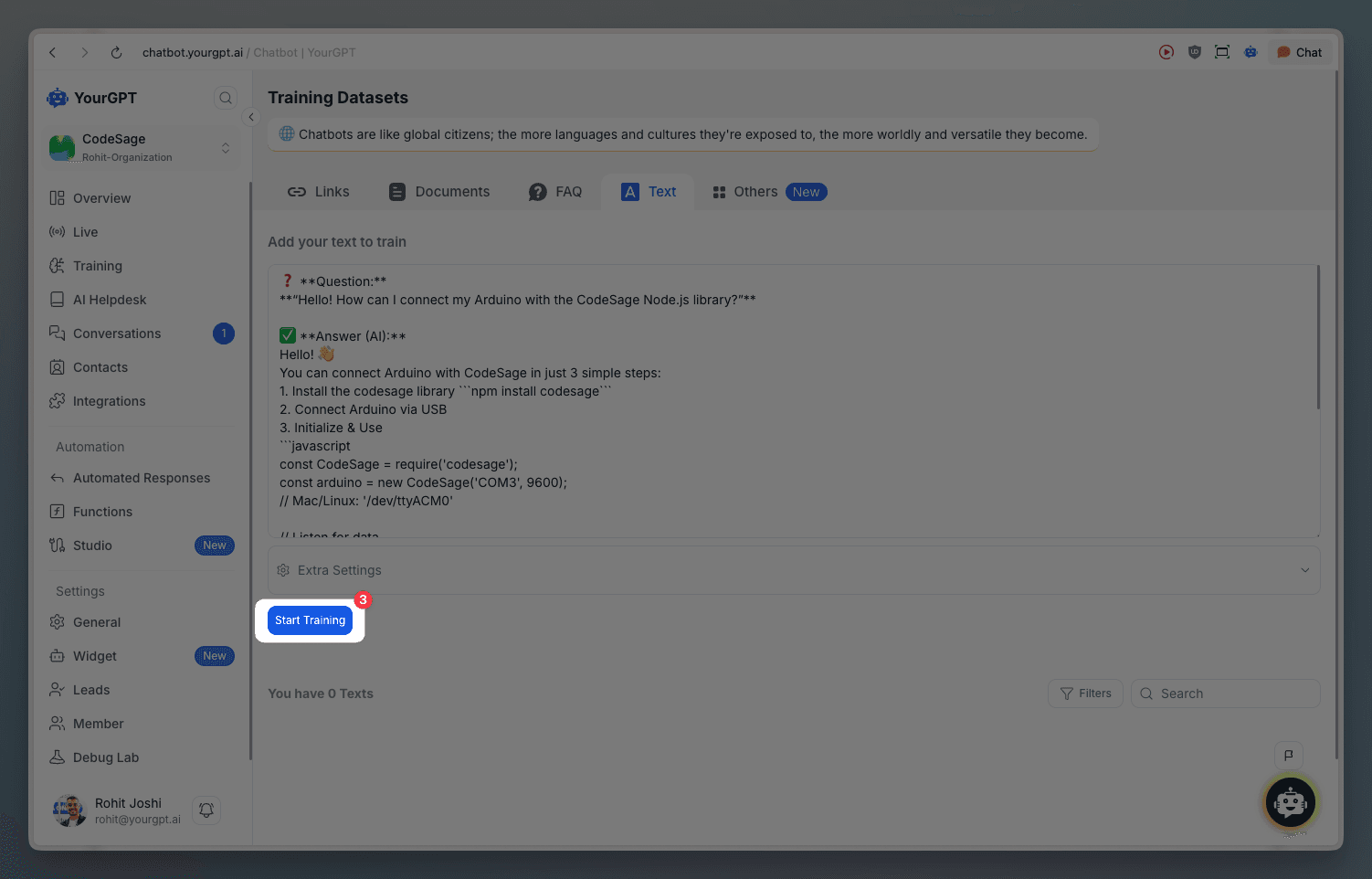
(Optional) Configure Extra Settings if needed
Click Start Training button
Learn More
For detailed step-by-step instructions, visit our help article on How to Training Chatbot with FAQs.