AI Helpdesk
Create and manage Help Desk articles, including AI-generated drafts
Quick Start
AI Helpdesk is a Training Source
Articles created in AI Helpdesk are ingested as a chatbot training source. When you add or update an article, YourGPT processes the content into searchable chunks and indexes them for retrieval. During conversations, the chatbot can fetch these chunks as grounding context to generate accurate answers.
Create an Article
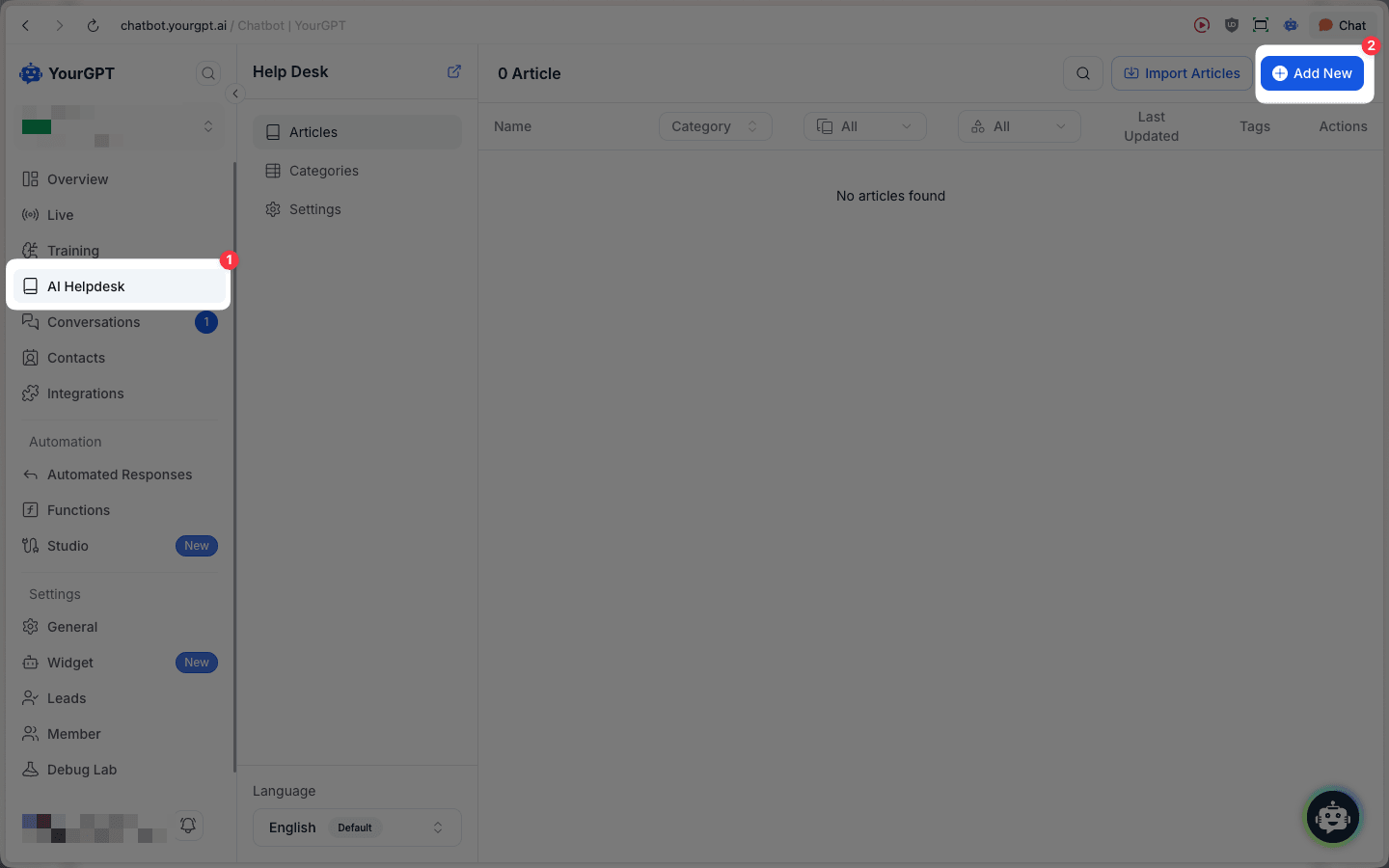
In your YourGPT dashboard, open AI Helpdesk from the left sidebar.
Click Add New to create a new article.
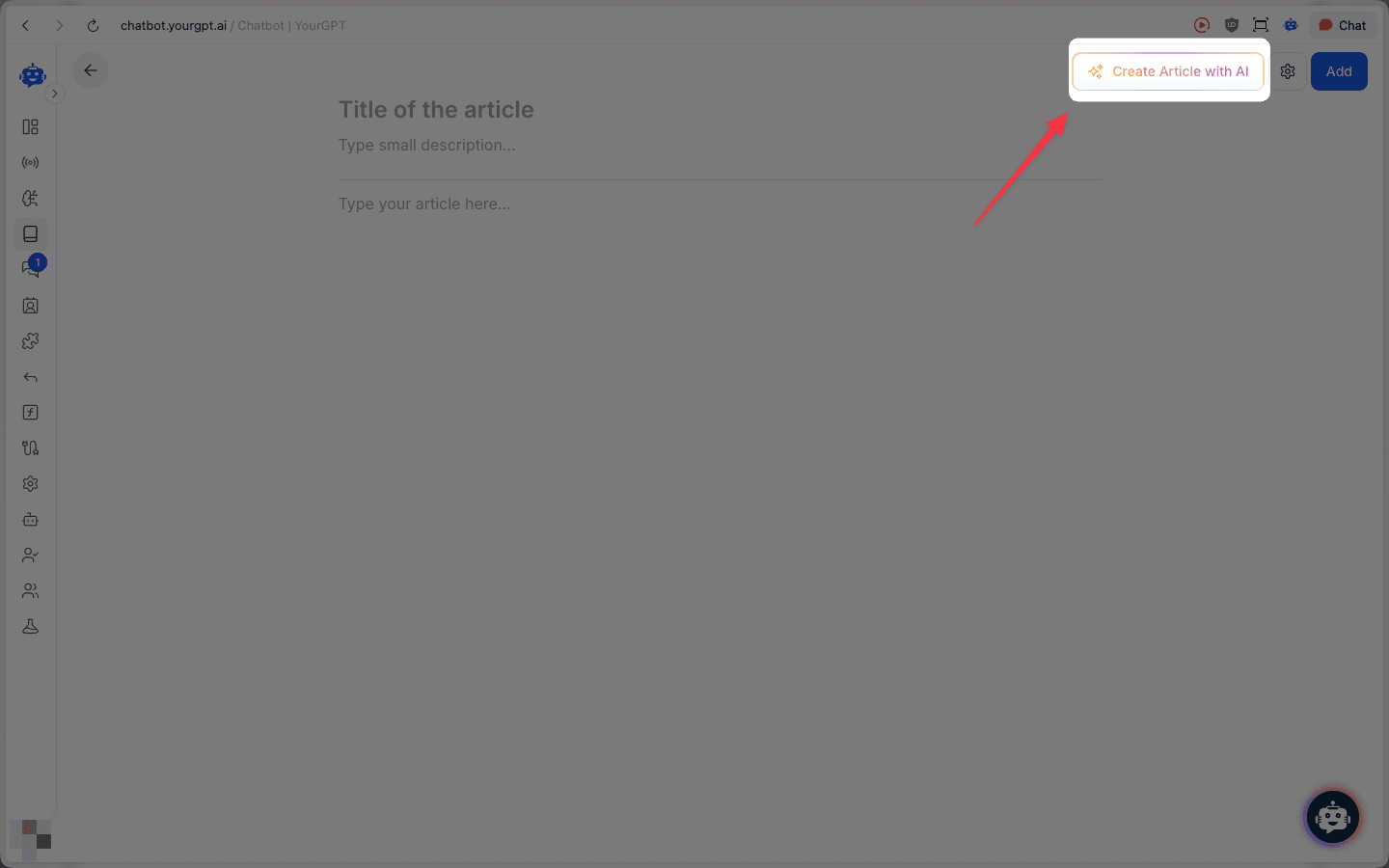
In the editor, click Create Article with AI.
Manual creation is supported
You can also create an article manually by filling in the title, small description, and article content in the editor. For the fastest workflow, we recommend using Create Article with AI and then editing the draft.
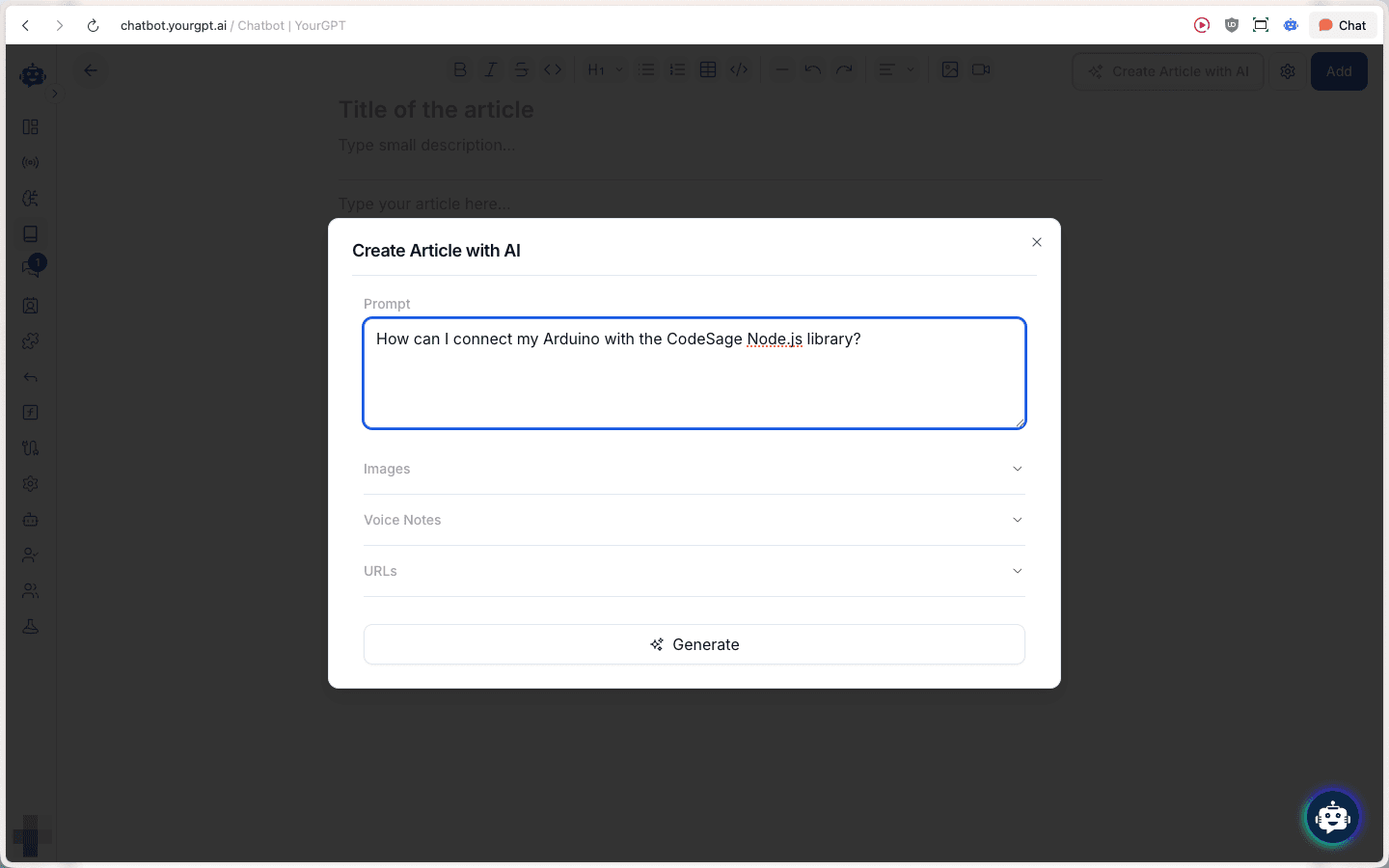
Add your prompt (and optionally attach Images, Voice Notes, or URLs), then click Generate.
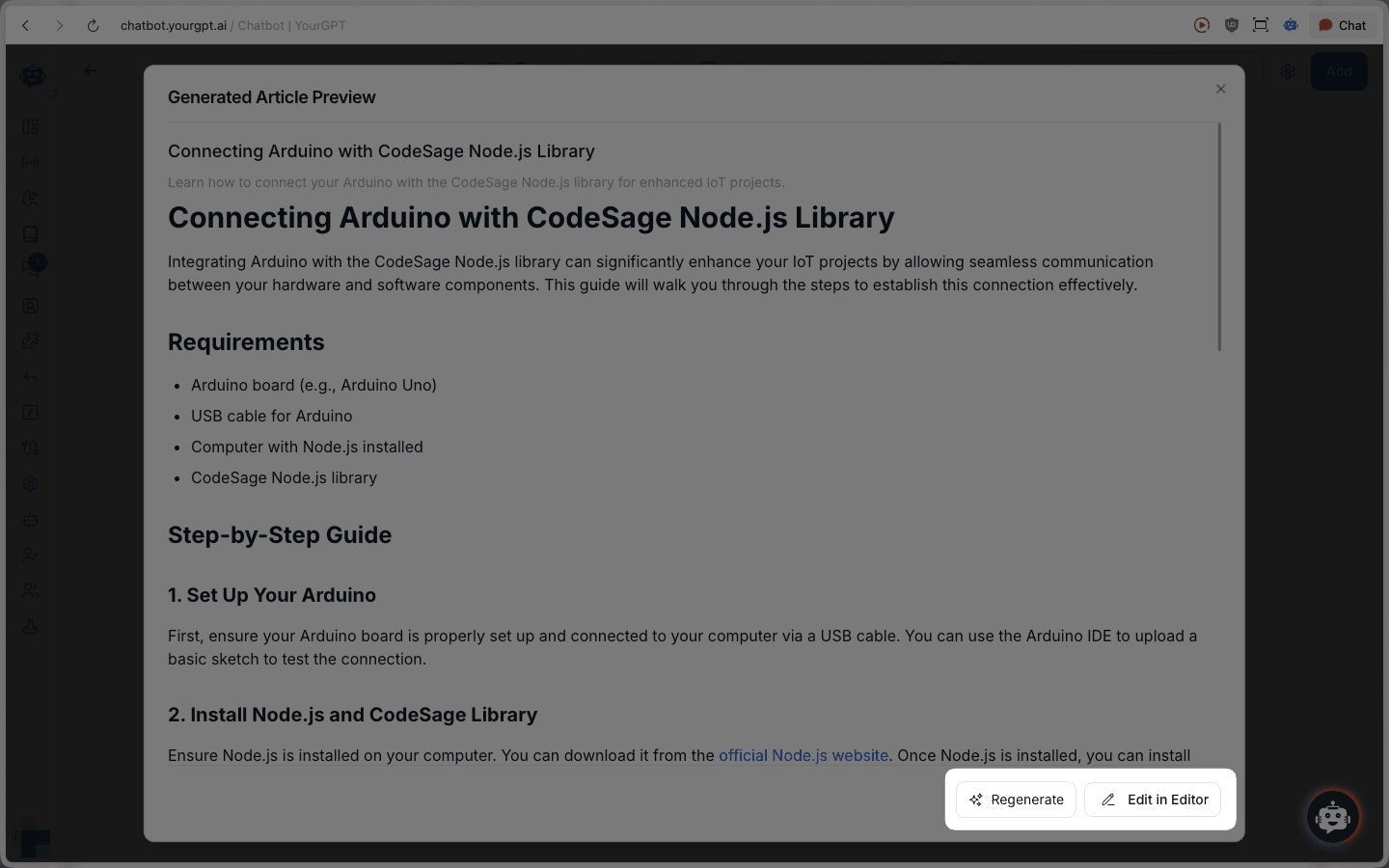
Review the Generated Article Preview
- Use Regenerate to try again
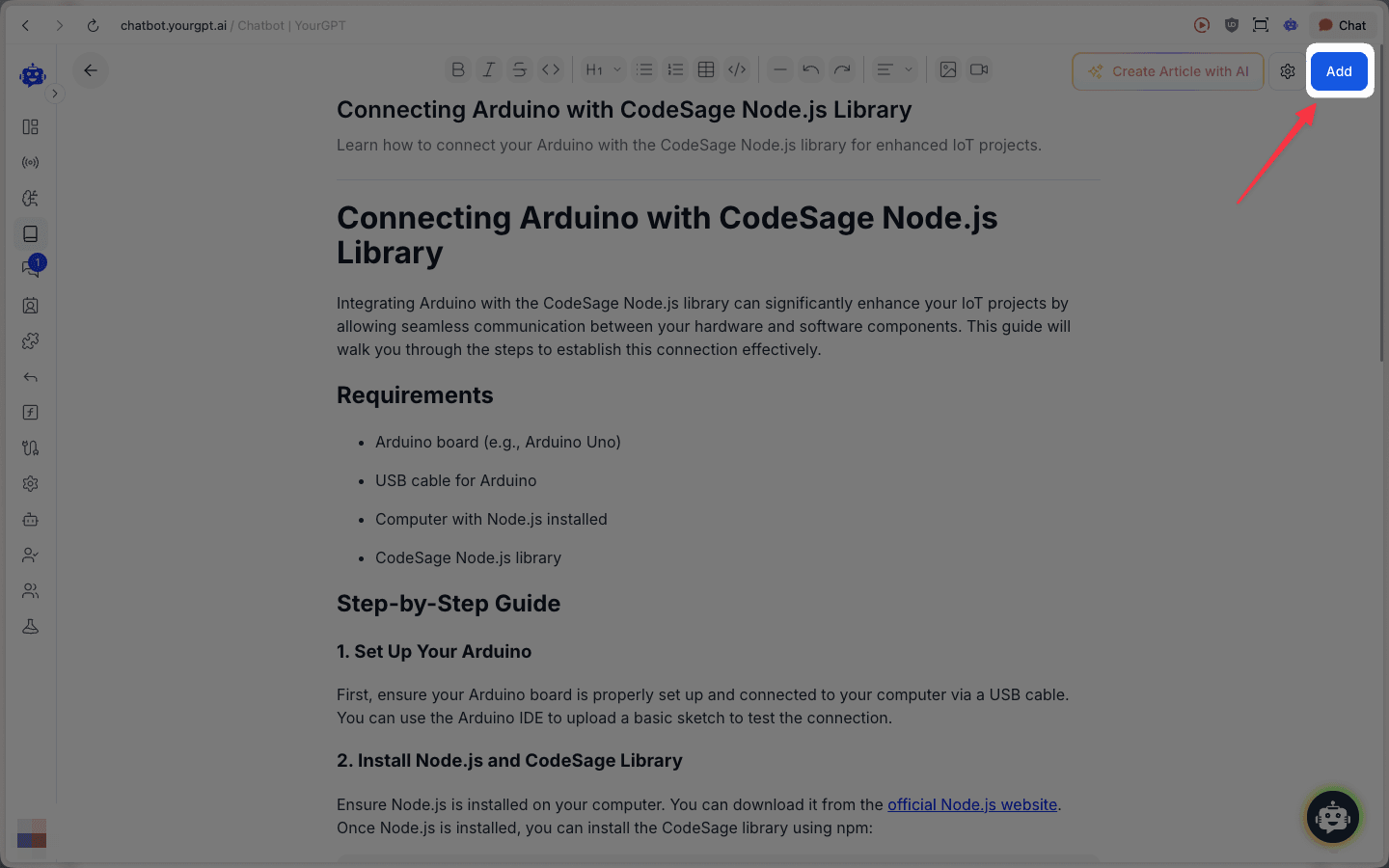
- Use Edit in Editor to make changes before adding
When you're ready, click Add to save/add the article.
Import Articles
If you already have articles prepared, you can import them into AI Helpdesk:
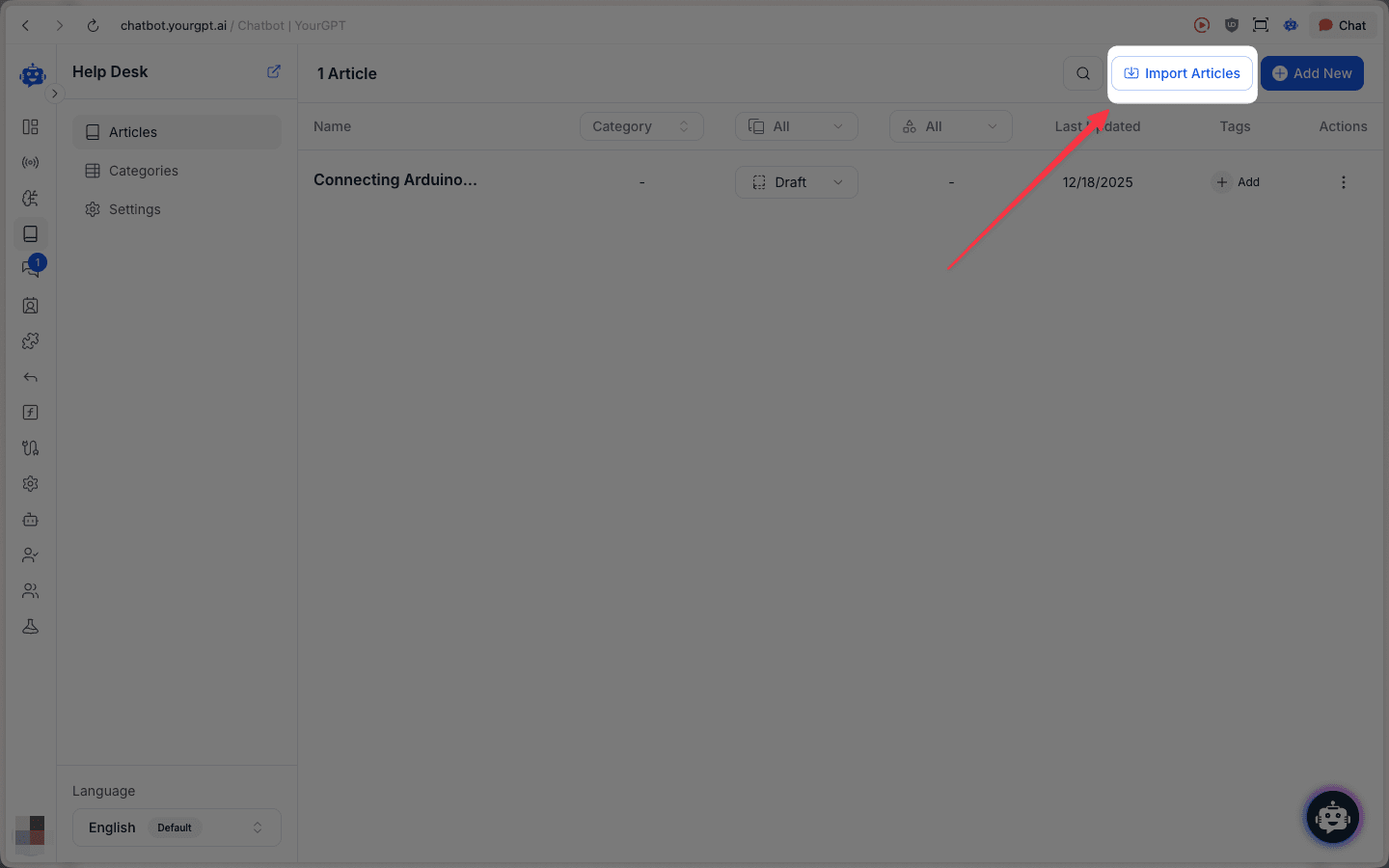
Open AI Helpdesk and click Import Articles.