Training Guide
Learn how to train your chatbot using your business data to deliver accurate and reliable responses.
Training allows your agent to answer questions based on your own data instead of generic responses. You can train it using websites, documents, FAQs, and other structured sources available in the platform.
How Training Works
YourGPT training converts your data into searchable knowledge nodes, which the AI uses to find accurate answers and generate responses. Updating your training data ensures that your chatbot always has the latest information from your sources, improving the quality and reliability of its responses.
Sign in to the YourGPT Dashboard.
Open the Training section from the dashboard menu.
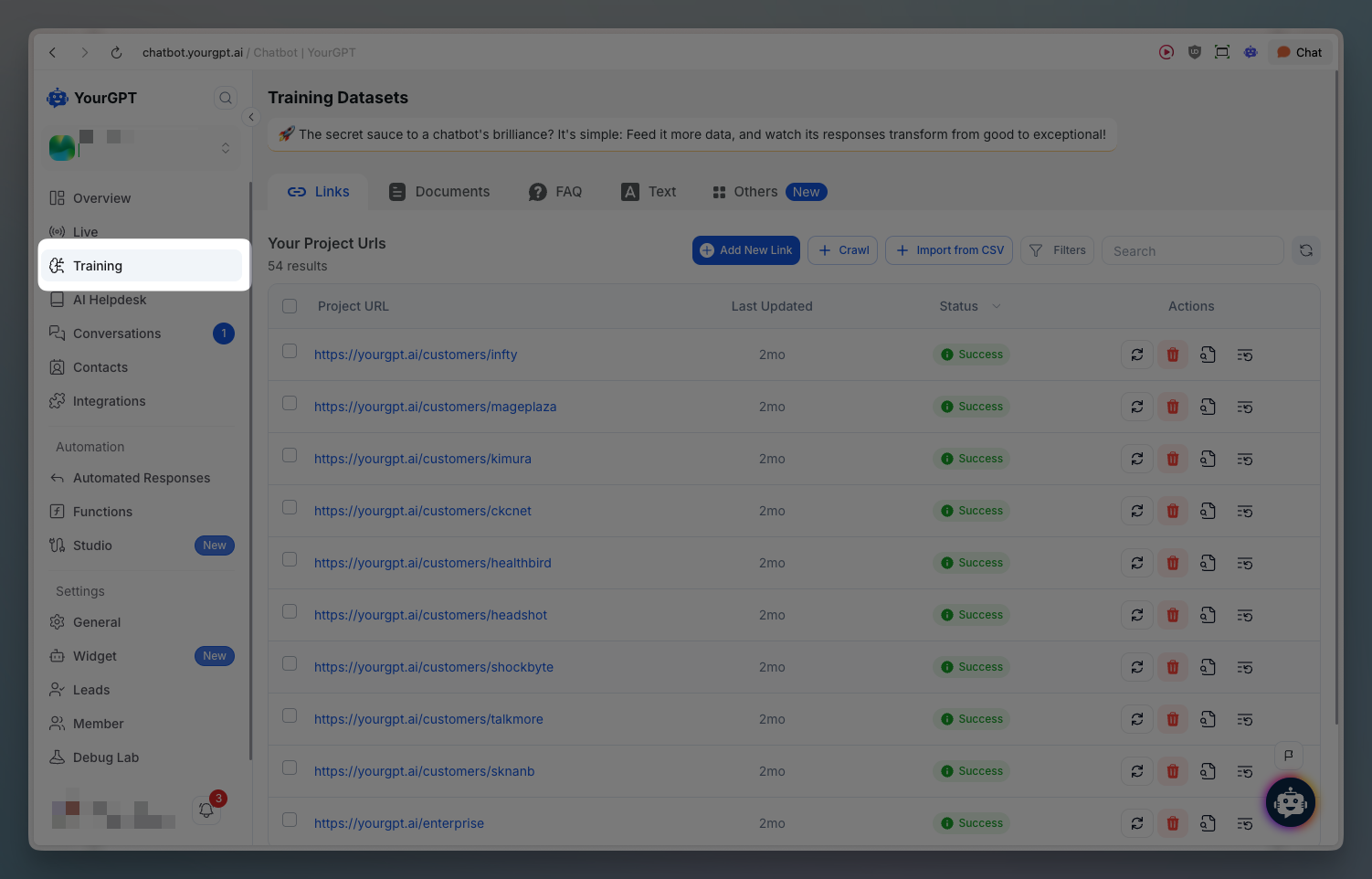
Select the type of data you want to use for training.
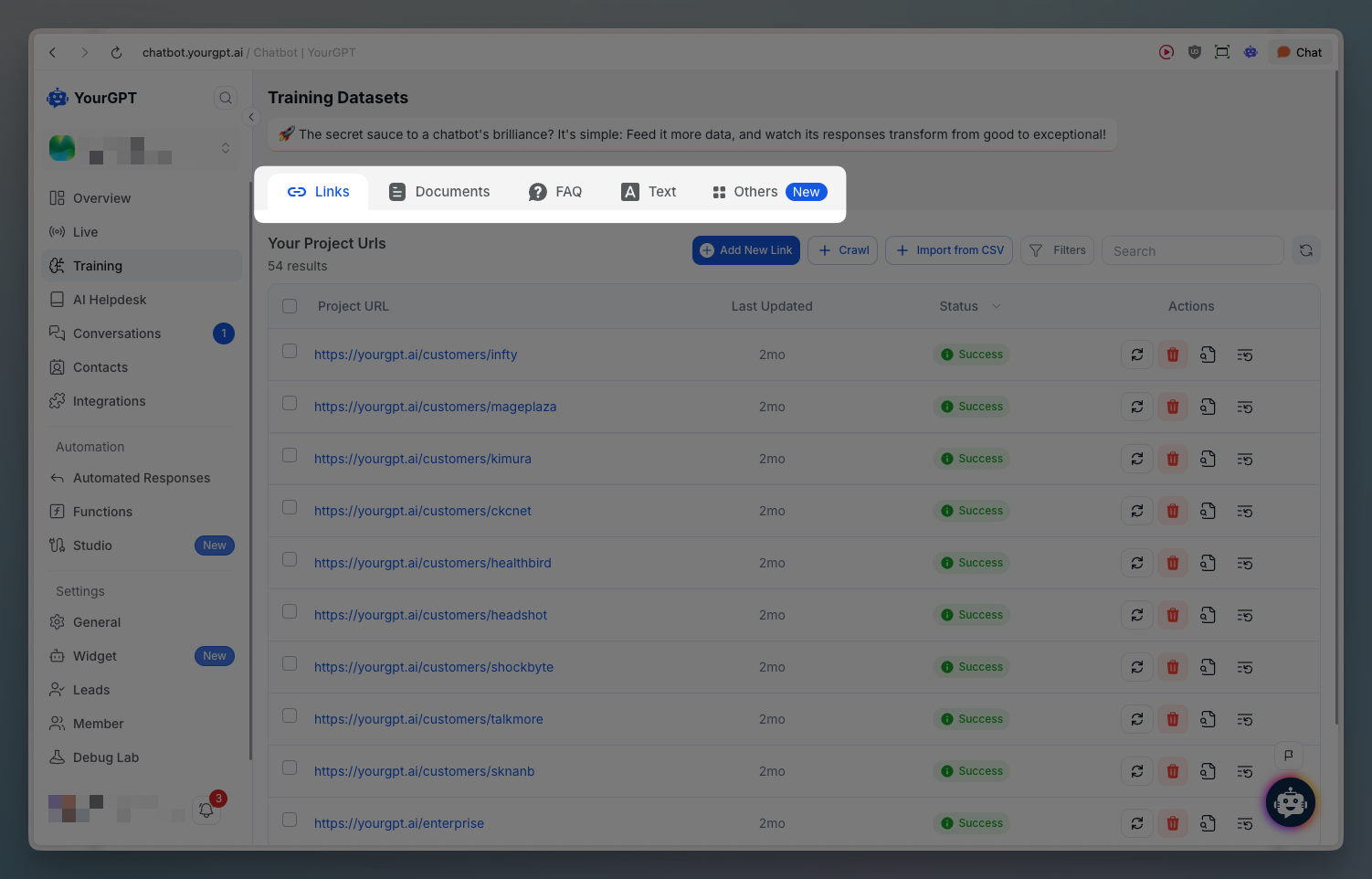
You can train your chatbot using multiple data sources depending on your needs.
Your chatbot is trained only on the data you provide. This keeps responses aligned with your business content.
Debugging Training Data
When responses feel incorrect or incomplete, reviewing training sources helps identify the issue.
Training View Source
Use the Training View Source to inspect which knowledge nodes were used to generate a response and how closely they matched the user query.
This view helps you understand whether the issue comes from missing data, low match scores, or outdated training content.